Subscribing to Basic or Pro
Every new account gets the full system free for the first couple of weeks, no card needed. This is for once that's not the point any more: picking a plan, what it costs, and what happens to your billing if you change your mind later.
-
1. Open Subscription in your settings
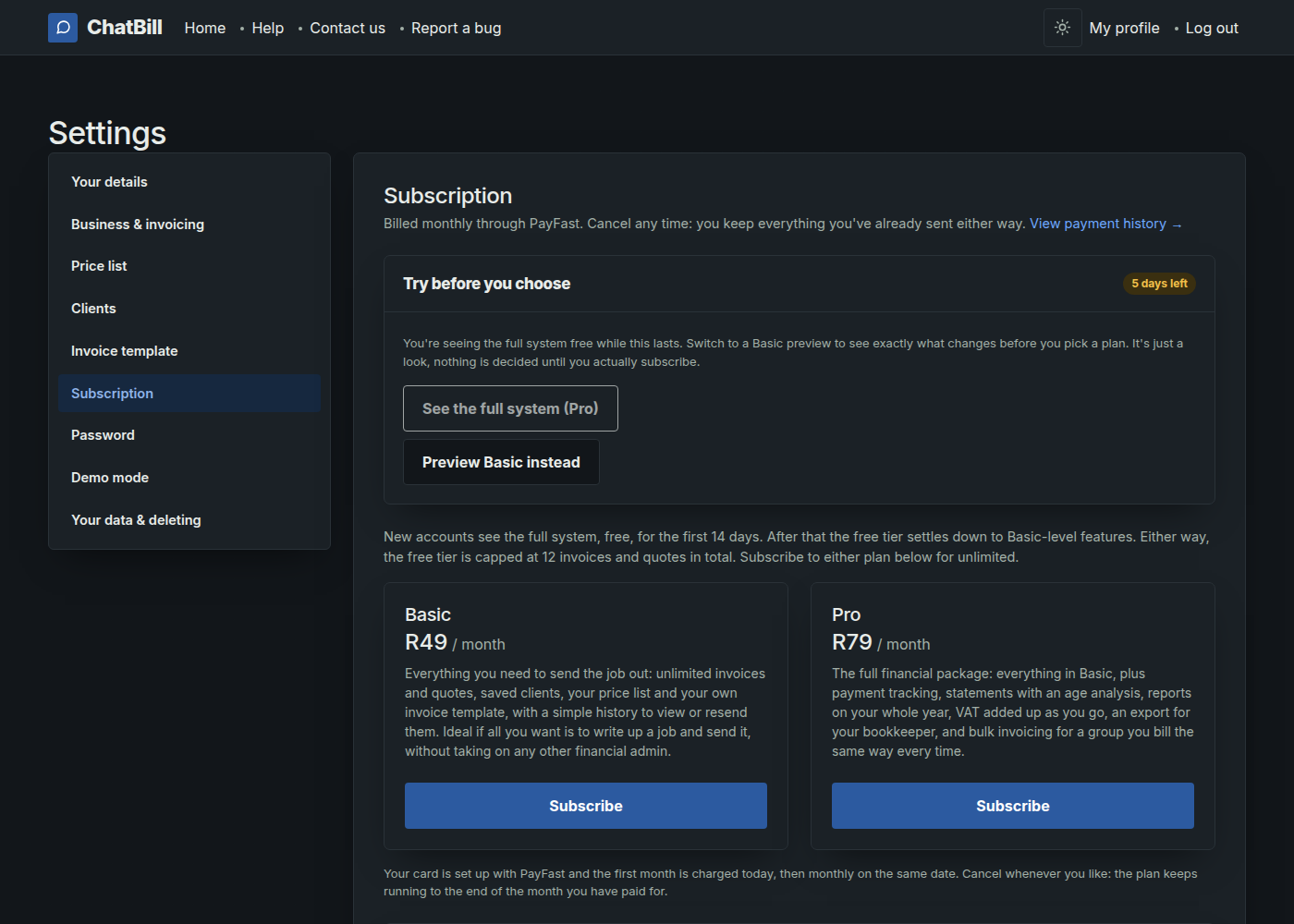
It's on the settings menu, alongside your business details and price list. It shows how many free days you've got left on your new account, and the two plans underneath.
-
2. Pick a plan
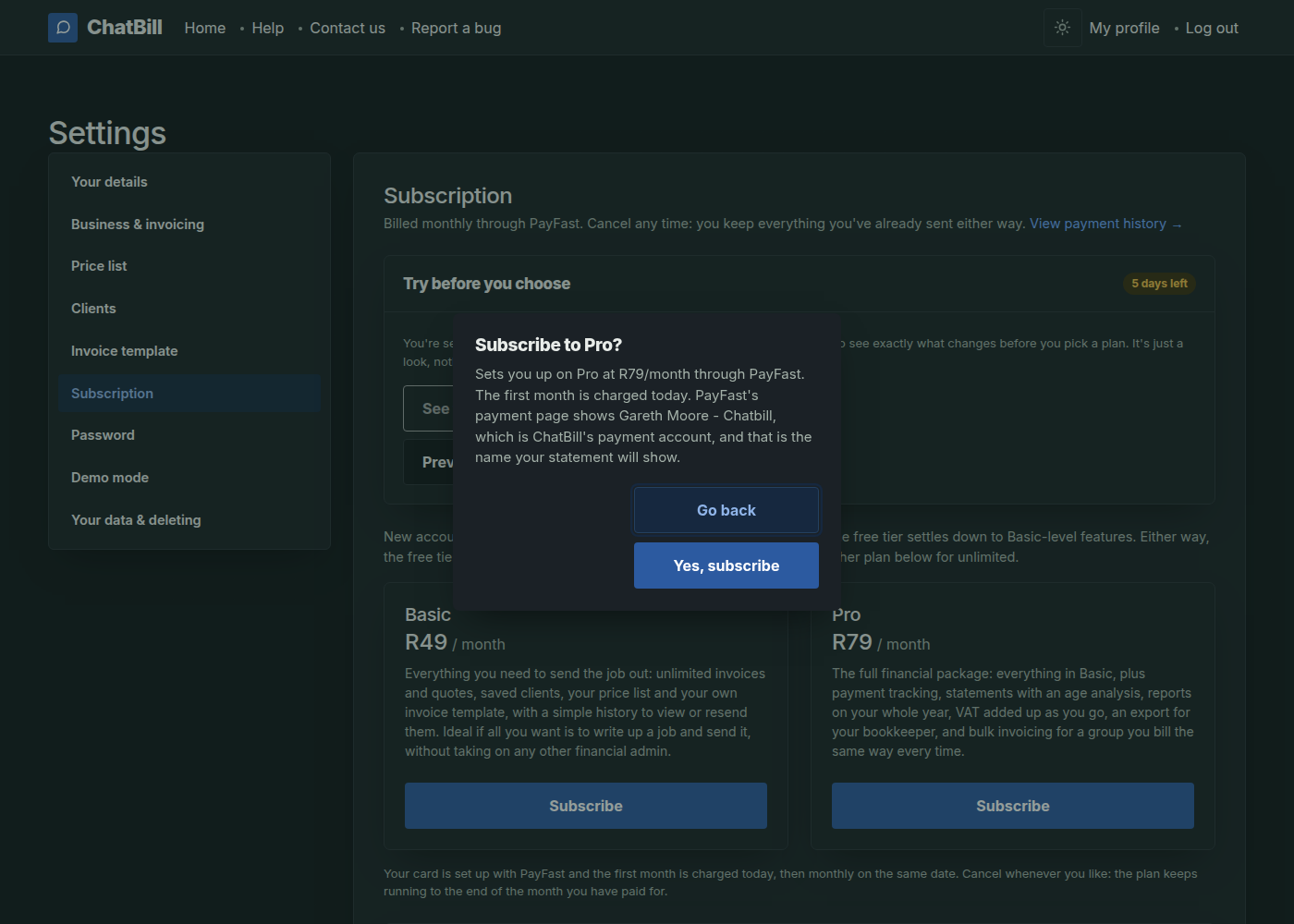
Subscribe on either card sets your card up with PayFast and charges your first month there and then, unless you still have days from a previous subscription, in which case the payment waits for those to run out. The popup spells out which before you confirm.
-
3. That's it, you're subscribed
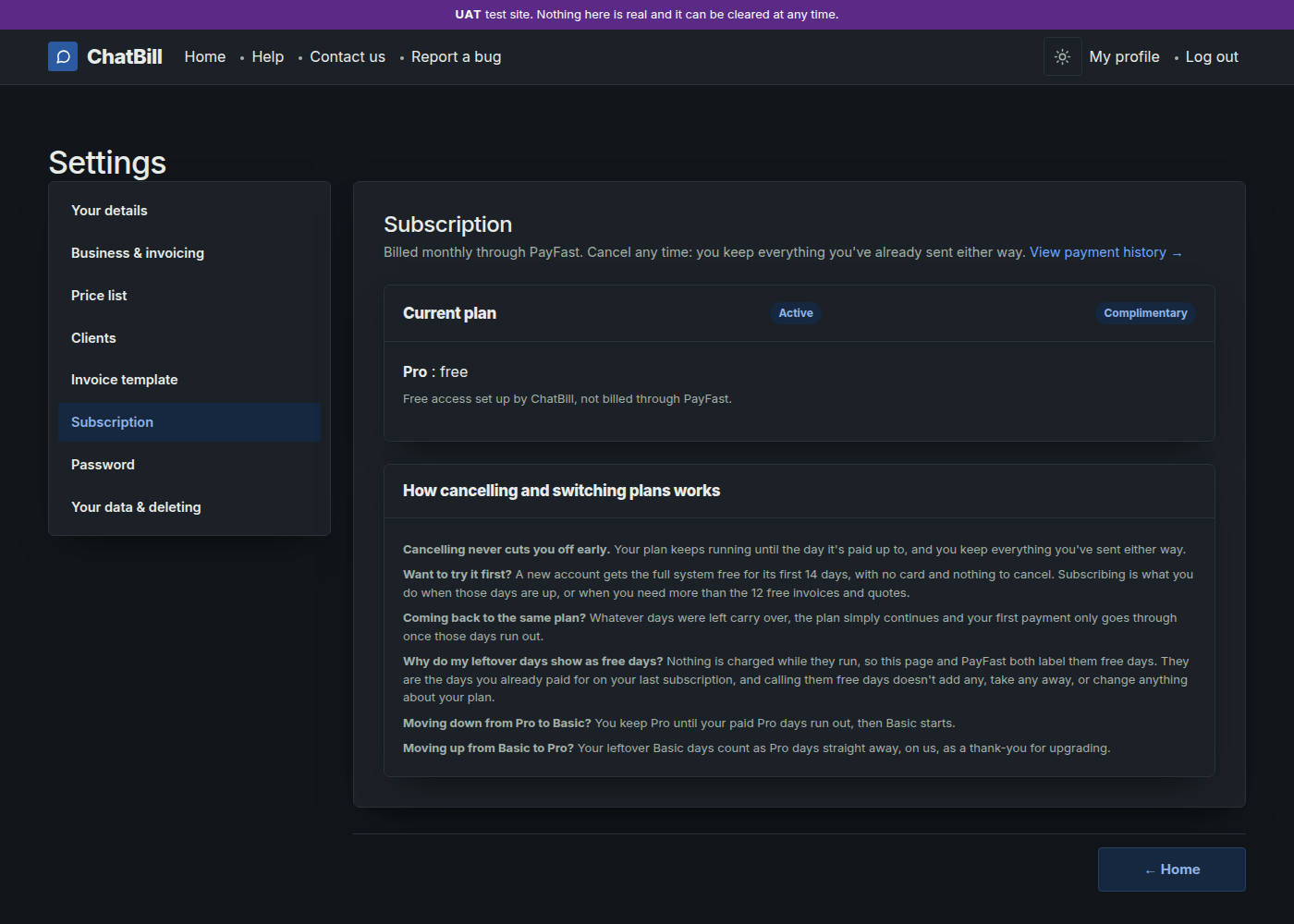
The Subscription page now shows your current plan and when the next payment is due. Nothing else changes: your invoices, quotes, clients and price list are exactly as they were.
-
Switching or cancelling later
Both sit right there under your current plan. Cancelling never cuts you off early: you keep everything you've sent, and the plan keeps running until the day it's already paid up to. Moving from Basic up to Pro carries your leftover days over as Pro days, on the house; moving down keeps Pro running until those days are used up before Basic starts. The same page explains all of this in full underneath the plan cards, so it's worth a read before you decide either way.